SSL Checker: How to Verify SSL Certificate Validity Online
Check SSL certificate details, expiration dates, and chain validity for any domain. Ensure your website is secure and trusted.
Why SSL Certificates Matter
Every time you visit a website with HTTPS, an SSL/TLS certificate is at work. It does three critical things:
1. Encrypts data between the browser and server
2. Authenticates the server — confirms you're talking to the real website
3. Enables trust — the padlock icon in the address bar
Without a valid SSL certificate, data travels in plain text. Anyone on the same network (coffee shop WiFi, hotel network) can read it.
What Our SSL Checker Reveals
Enter any domain name and our tool fetches and analyzes the SSL certificate in real time. Here's what you get:
Certificate Details
| Field | What It Means |
|---|---|
| Subject | The domain or organization the certificate belongs to |
| Issuer | The Certificate Authority (CA) that issued it |
| Serial Number | Unique identifier for the certificate |
| Algorithm | Encryption algorithm used (e.g., SHA-256 with RSA) |
| Key Size | Bit length of the public key (2048-bit, 4096-bit) |
Validity Period
Certificate Chain
SSL certificates form a chain of trust:
\\\`
Root CA (trusted by browsers)
└─ Intermediate CA
└─ Your Domain Certificate
\\\`
Our checker validates that:
Additional Checks
How to Check an SSL Certificate
Step 1: Enter the Domain
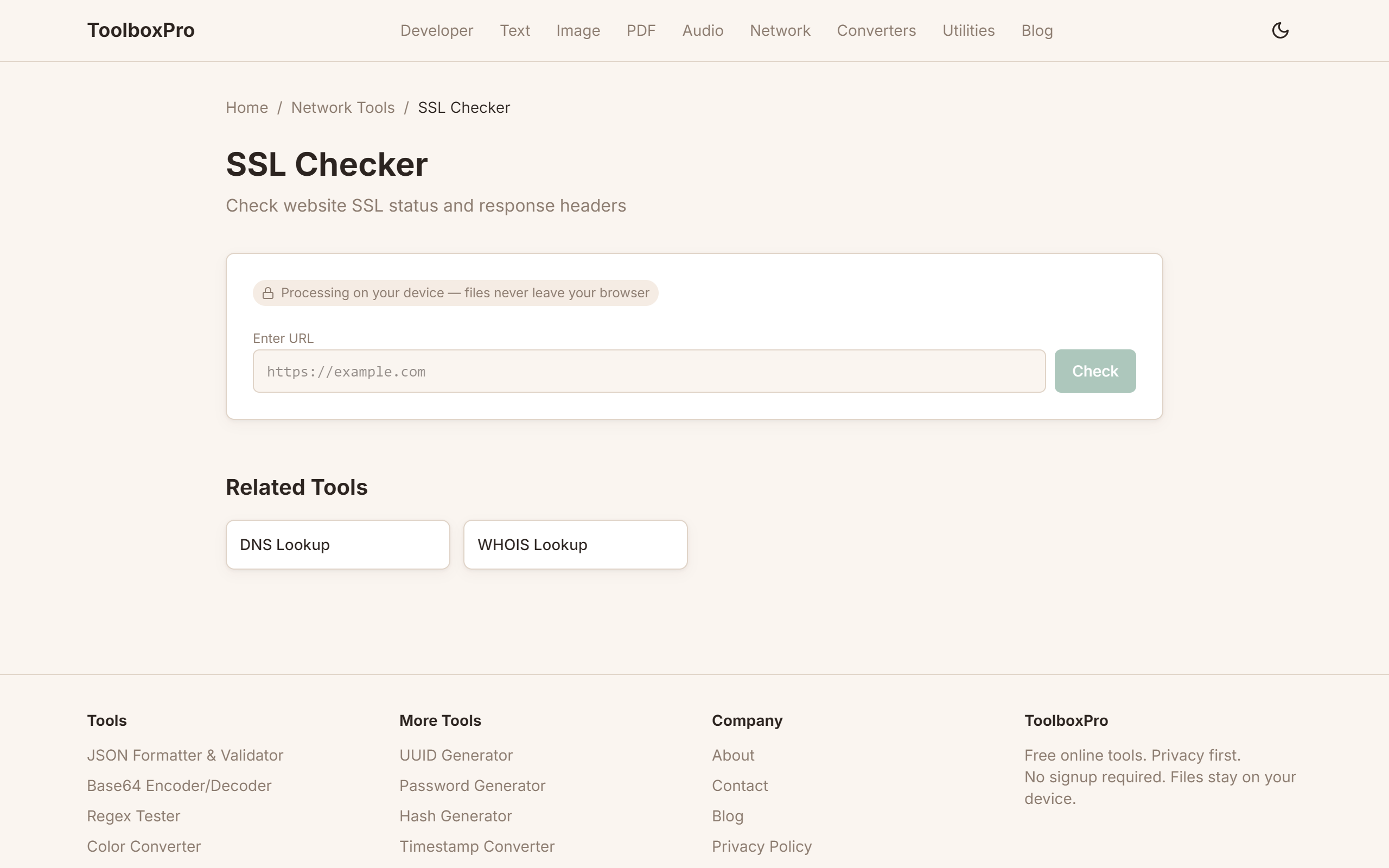
Visit our SSL Checker and type in any domain name:
\\\`
example.com
www.example.com
api.example.com
\\\`
Include or omit https:// — the tool handles both.
Step 2: Click Check
The tool initiates a secure connection to the server and downloads the certificate. This takes 1-3 seconds typically.
Step 3: Review Results
You'll see a complete report with:
Step 4: Take Action
Based on the results:
| Issue | Action |
|---|---|
| Expiring soon | Renew with your CA |
| Chain incomplete | Install intermediate certificates on your server |
| Weak algorithm | Reissue with stronger encryption |
| Wrong domain | Get a certificate that covers this domain |
Common SSL Issues
Expired Certificate
The most common problem. Browsers show a full-page warning for expired certificates. Renew at least 30 days before expiration.
Mixed Content
HTTPS page loading HTTP resources (images, scripts, stylesheets). The padlock icon disappears. Fix by loading all resources over HTTPS.
Self-Signed Certificate
Useful for development, but browsers show "Not Secure" warnings. Use a trusted CA like Let's Encrypt for production.
Certificate Name Mismatch
The certificate was issued for \www.example.com\ but you're visiting \example.com\. Use a wildcard certificate (\*.example.com\) or get a certificate covering both.
Incomplete Chain
Server doesn't send intermediate certificates. Some browsers and mobile devices can't validate the chain and show warnings. Install the full chain on your server.
Best Practices
Monitor Your Certificates
Use Modern Protocols
| Protocol | Status |
|---|---|
| TLS 1.3 | ✅ Best — fastest and most secure |
| TLS 1.2 | ✅ Acceptable — widely supported |
| TLS 1.1 | ❌ Deprecated — disable if possible |
| TLS 1.0 | ❌ Deprecated — disable immediately |
| SSL 3.0 | ❌ Insecure — must disable |
Choose Strong Keys
Certificate Types Compared
| Type | Coverage | Best For | Cost |
|---|---|---|---|
| DV (Domain Validated) | Single domain | Blogs, small sites | Free (Let's Encrypt) |
| OV (Organization Validated) | Single domain + org verified | Business websites | $50-200/yr |
| EV (Extended Validation) | Domain + org verified + green bar | E-commerce, banking | $100-500/yr |
| Wildcard | *.example.com | Multi-subdomain sites | $100-400/yr |
| Multi-Domain (SAN) | Multiple specific domains | Different domains on one server | $50-300/yr |
FAQ
How often should I check my SSL certificate? At least once a month. Many certificates expire after 90 days (Let's Encrypt) or 1-2 years (commercial CAs). Set calendar reminders.
What happens if my SSL expires? Browsers display security warnings that scare visitors away. Search engines may rank your site lower. Some browsers block access entirely.
Can I check SSL for internal/hostname domains? Yes — as long as the domain resolves and has a valid certificate, our checker can inspect it.
How does SSL affect SEO? Google uses HTTPS as a ranking signal. Sites with valid SSL certificates rank higher than insecure HTTP sites.
What's the difference between SSL and TLS? SSL is the deprecated predecessor of TLS. "SSL certificate" is the common term, but modern certificates use the TLS protocol. There's no practical difference for end users.
Advanced Tips
Certificate Chain Validation
A complete TLS certificate is always a chain — your server's certificate (leaf), one or more intermediate certificates, and a root certificate trusted by the browser. The most common SSL error — NET::ERR_CERT_AUTHORITY_INVALID — happens when the server only sends the leaf certificate without the intermediates. Browsers can't build the trust chain from leaf to root, so they reject the connection.
To verify your chain is complete: run openssl s_client -connect example.com:443 -showcerts. You should see at least two BEGIN CERTIFICATE blocks — the leaf and at least one intermediate. If you only see one, your server is missing the intermediate bundle. Fix this by concatenating your leaf certificate and the intermediate(s) into a single fullchain file:
cat your_domain.crt intermediate.crt > fullchain.pemConfigure your web server (Nginx ssl_certificate, Apache SSLCertificateFile) to serve fullchain.pem instead of just the leaf. Test with ssllabs.com/ssltest/ — it grades your chain completeness, protocol versions, cipher strength, and known vulnerabilities like Heartbleed or ROBOT.
Fixing Mixed Content
After migrating from HTTP to HTTPS, browsers block insecure resources loaded over HTTP on an HTTPS page. This is called mixed content, and it breaks stylesheets, scripts, images, and iframes. Chrome shows a warning icon instead of a lock in the address bar.
To diagnose: open DevTools → Console and look for messages like Mixed Content: The page at 'https://...' was loaded over HTTPS, but requested an insecure stylesheet. Fix each violation by updating the resource URL to HTTPS. For third-party resources that don't support HTTPS, download and self-host them. For your own assets, use protocol-relative URLs (//example.com/asset.js) or, better, absolute HTTPS URLs.
Automate detection with the upgrade-insecure-requests Content Security Policy header:
Content-Security-Policy: upgrade-insecure-requestsThis tells the browser to rewrite all HTTP requests on the page to HTTPS automatically — a safety net for resources you might have missed.
Let's Encrypt Auto-Renewal
Let's Encrypt certificates expire every 90 days by design — short lifetimes limit damage from key compromise. Manual renewal is unsustainable, so automate with certbot. The standard setup installs a systemd timer or cron job that checks renewal twice daily and only renews certificates within 30 days of expiry:
# Test the renewal process without actually renewing
certbot renew --dry-run

# Verify the timer is active
systemctl status certbot.timer
For Nginx, use the --nginx plugin so certbot handles the web server reload automatically. For load-balanced setups, store certificates in a shared location (S3, HashiCorp Vault) and sync them to all nodes. Monitor renewal success — set up an alert if the last successful renewal is older than 60 days. Let's Encrypt sends expiry warning emails, but only to the address registered with the account.
Common Mistakes
Real-World Use Cases
Try it yourself with our free online tool:
Try SSL Checker: How to Verify SSL Certificate Validity Online →