How to Format JSON Online Free — Complete Guide
Learn how to format, validate, and beautify JSON quickly using free online tools. Fix malformed JSON in seconds.
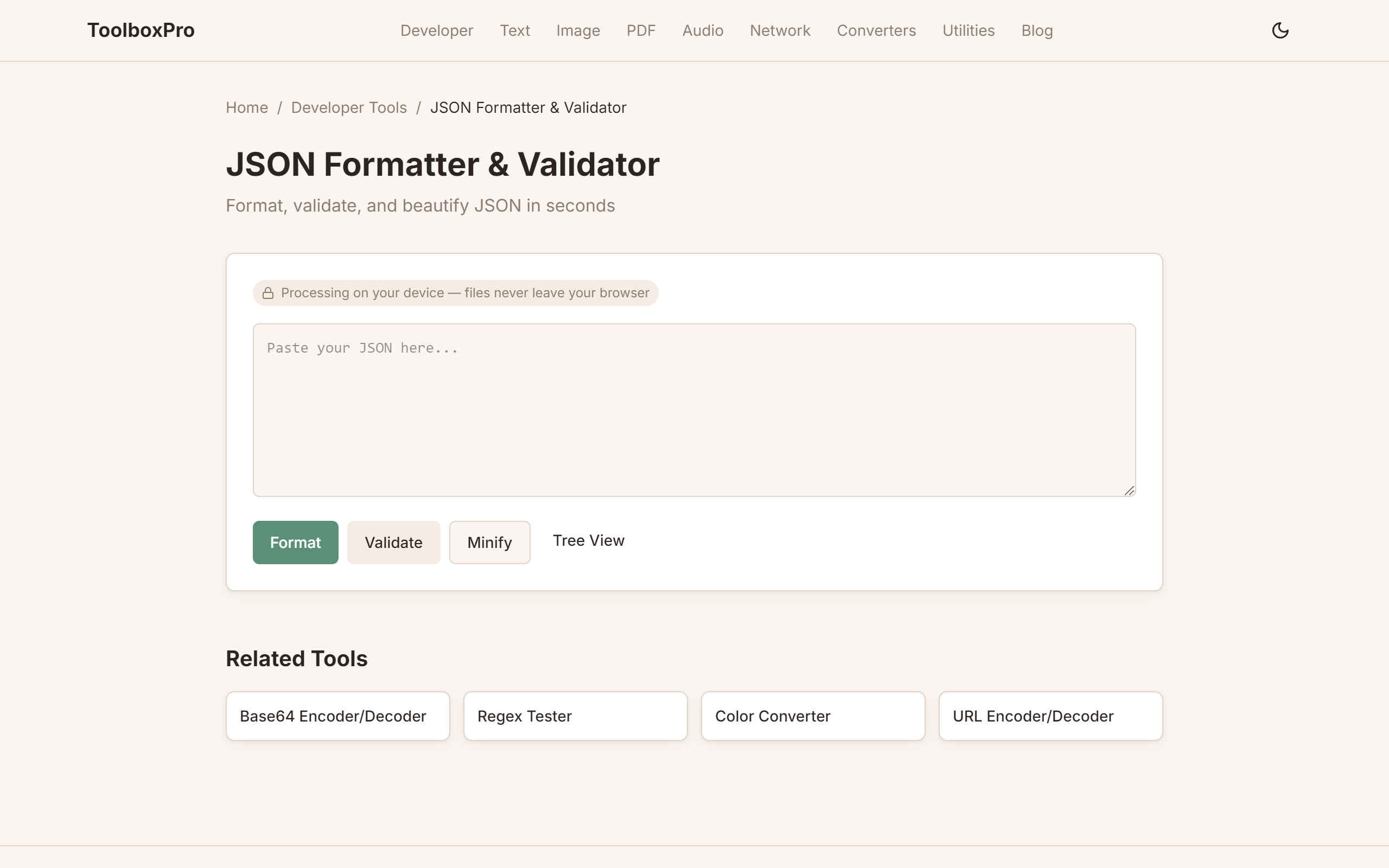
JSON Formatting: Common Errors, Debugging Tips, and Format Comparisons
JSON (JavaScript Object Notation) has become the lingua franca of data interchange on the web. From REST APIs to configuration files to NoSQL databases, JSON is everywhere — and it's also one of the most common sources of subtle bugs. A missing comma, an extra trailing comma, or a single misplaced quote can bring an entire application to a halt. This guide covers the essentials of JSON formatting, walks through the most frequent errors and how to fix them, compares JSON to its alternatives, and provides practical debugging techniques.
JSON Syntax Fundamentals
JSON is deceptively simple. It supports exactly six value types: strings (in double quotes), numbers (integer or floating-point), booleans (true/false), null, objects (key-value pairs in curly braces), and arrays (ordered lists in square brackets). That's it. No dates, no comments, no functions, no undefined.
The rules are strict:
| Rule | Valid JSON | Invalid JSON |
|---|---|---|
| Keys quoted | \`{"name": "Alice"}\` | \`{name: "Alice"}\` |
| Strings double-quoted | \`{"msg": "hello"}\` | \`{"msg": 'hello'}\` |
| No trailing commas | \`[1, 2, 3]\` | \`[1, 2, 3,]\` |
| Numbers base-10 | \`{"n": 42}\` | \`{"n": 0x2A}\` |
| No comments | (minified only) | \`{/* comment */}\` |
| Unicode escapes | \`"\\u0048"\` | \`"\\x48"\` |
If you're working with JSON daily, a good formatter and validator is essential. Try /tools/json-formatter to beautify, validate, and debug your JSON in real-time.
Common JSON Errors and How to Fix Them
Even seasoned developers make these mistakes. Here's how to spot and fix the most common issues:
1. Trailing commas. This is the most frequent JSON error. \[1, 2, 3,]\ looks correct to human eyes but is invalid in strict JSON (though some newer JavaScript engines tolerate it in non-strict mode). Solution: remove the comma after the last element. Many formatters and linters can auto-fix this.
2. Unquoted or single-quoted keys. \{name: "value"}\ and \{'name': "value"}\ are both invalid. All JSON object keys must be enclosed in double quotes: \{"name": "value"}\. This catches many developers coming from JavaScript, where unquoted keys are valid in object literals.
3. Using comments. JSON does not support comments. Developers frequently try to add // or /* */ comments, especially in configuration files. If you need comments, consider JSON5 (a superset that adds comments, trailing commas, and unquoted keys), YAML, or strip comments in a build step before parsing.
4. Single-quoted strings. JSON requires double quotes for all string values. \{'greeting': 'hello'}\ is invalid — use \{"greeting": "hello"}\ instead.
5. Numbers with leading zeros. \{"id": 0123}\ is invalid in strict JSON. Leading zeros are interpreted as octal in some contexts. Write it as \{"id": 123}\ or \{"id": "0123"}\ (as a string) if leading zeros are meaningful.
6. Nested escaping issues. Strings containing quotes or backslashes inside JSON values require proper escaping. A JSON value containing a double quote must be written as \\\"\. A backslash is \\\\\\. This can lead to confusing "triple escaping" when JSON is embedded inside other languages.
7. Wrong data types. Sending \"true"\ (string) when the API expects \true\ (boolean), or \"123"\ (string) when the API expects \123\ (number), can cause silent failures or confusing error messages. Always check your API's type specification.
| Error | Wrong | Fixed |
|---|---|---|
| Trailing comma | \`[1, 2,]\` | \`[1, 2]\` |
| Single-quoted key | \`{'a': 1}\` | \`{"a": 1}\` |
| Comment | \`{"a": 1} // comment\` | (remove comment) |
| Single-quoted string | \`{"a": 'hello'}\` | \`{"a": "hello"}\` |
| Leading zero | \`{"a": 01}\` | \`{"a": 1}\` |
| Mixed types | \`{"a": "true"}\` | \`{"a": true}\` |
For a quick sanity check on any JSON document, paste it into /tools/json-formatter — it will highlight exact position of syntax errors and beautify the output for readability.
JSON vs. XML vs. YAML: Choosing a Data Format
Each serialization format has strengths and weaknesses. Here's a practical comparison:
JSON is the current standard for most web APIs and configuration. Its strengths are simplicity (only six types), universal parser support in every language, and compact syntax. Weaknesses include no comments, no built-in date type, and no support for references or multi-line strings without escaping.
XML is verbose but powerful. It supports attributes, namespaces, schema validation (XSD), comments, and mixed content (text + child elements). XML excels in document-centric use cases (XHTML, SVG, RSS feeds, SOAP APIs) and environments requiring rigorous validation. The trade-off is significantly more verbose syntax — a simple person record might take 30% more characters than JSON.
YAML prioritizes human readability. It uses indentation-based structure (like Python), supports comments, multi-line strings (literal and folded blocks), anchors and aliases (for DRY configs), and native date/time types. YAML is popular for configuration files (Kubernetes, Docker Compose, CI/CD pipelines) but has notorious edge cases — the NO string being parsed as false — that require explicit quoting.
Advanced Tips
JSON Schema Validation
Formatting checks syntax but not semantics. JSON Schema lets you define the expected structure — required fields, data types, value ranges — and validate any JSON document against it. A minimal schema for a user object:
{
  "$schema": "https://json-schema.org/draft/2020-12/schema",
  "type": "object",
  "properties": {
    "name": { "type": "string", "minLength": 1 },
    "email": { "type": "string", "format": "email" },
    "age": { "type": "integer", "minimum": 0, "maximum": 150 }
  },
  "required": ["name", "email"]
}
Use ajv (Node), jsonschema (Python), or online validators like jsonschemavalidator.net to test documents. In production APIs, validate every incoming request body against a schema before processing — it catches malformed data at the edge instead of deep in your business logic.
Handling Large JSON Files
Browser-based formatters choke on files over 5 MB due to JSON.parse() memory limits and DOM rendering overhead. Strategies for large payloads:
API Debugging Workflow
When debugging API responses, a structured workflow saves hours. First, copy the raw response from your browser DevTools (Network tab → right-click → Copy response) or from curl. Paste into the formatter and beautify with 2-space indentation. Next, collapse nested objects to understand the top-level structure — most APIs return a wrapper object with data, meta, and errors keys. Drill into data to find the actual payload. If the response includes timestamps, scan for ISO 8601 format (2026-07-03T12:00:00Z) and verify timezone handling. Finally, compare against your expected schema — any missing or unexpected keys indicate a version mismatch between your client and the server.
Common Mistakes
Real-World Use Cases
Try it yourself with our free online tool:
Try How to Format JSON Online Free →