How to Create Strong Passwords Online: A Complete Security Guide
Learn how to create strong passwords with our complete security guide. Discover password strength tips, common attack methods, and best practices for online password security.
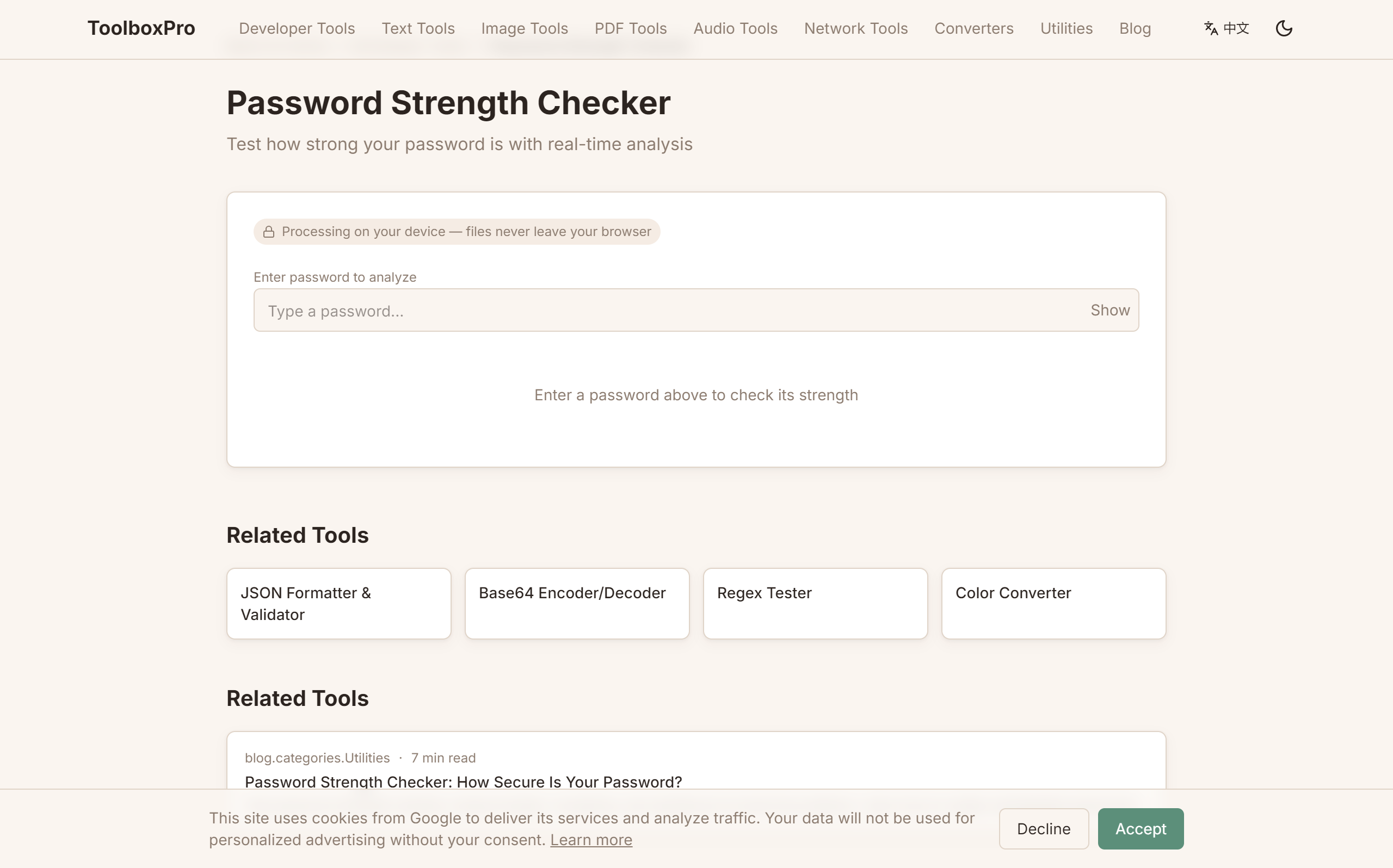
Password Strength: How to Create and Manage Strong Passwords in 2026
Passwords remain the first line of defense for nearly every online account — yet most people still use weak, guessable ones. In 2026, credential stuffing attacks have become more sophisticated, and a single compromised password can cascade into a full identity take-over. This guide explains what makes a password strong, how attackers crack them, and how to generate and manage unbreakable passwords using a free online tool.
What Makes a Password Strong?
A strong password has three properties: length, unpredictability, and uniqueness. Let's break each one down.
Length is king. Every additional character exponentially increases the number of possible combinations an attacker must try. A 6-character lowercase password has 308 million possibilities (26^6). A 12-character password with mixed case, digits, and symbols has 62 trillion trillion possibilities (94^12). Modern cracking hardware can exhaust the short one in seconds; the long one would take millions of years.
Unpredictability matters more than complexity rules. "P@ssw0rd!" meets every typical complexity requirement — uppercase, lowercase, digit, symbol — yet it's one of the first guesses an attacker tries. Password crackers use dictionaries of leaked passwords and common substitutions. A random, machine-generated password is fundamentally stronger than any human-chosen one.
Uniqueness is non-negotiable. Reusing passwords across sites is the single most dangerous habit. When one site gets breached (and they will), all your other accounts using the same password are immediately vulnerable. Every account should have its own unique password.
| Password | Length | Character Set | Estimated Crack Time (RTX 4090) |
|---|---|---|---|
| dog | 3 | lowercase only | Instant |
| iloveyou | 8 | lowercase only | < 1 second |
| P@ssw0rd! | 9 | mixed | < 2 seconds |
| Tr0ub4dor&3 | 11 | mixed | ~ 2 minutes |
| correct-horse-battery-staple | 28 | lowercase + hyphens | ~ 550 years |
| uT7\$k9Lm\#2pQ!vX | 16 | full random | ~ 34 million years |
How Attackers Crack Passwords
Understanding the adversary's methods helps you defend properly.
Brute force. The attacker tries every possible combination of characters. This is the slowest method — pure brute force against a 12+ character random password is effectively impossible with current hardware. Attackers only use this as a last resort.
Dictionary attacks. Instead of trying every combination, the attacker tries words from a pre-compiled list (dictionary). This includes common words, names, and leaked password databases. This is why "football", "princess", and "qwerty123" are cracked instantly — they appear in every cracker's dictionary.
Rule-based attacks (Hybrid). The attacker takes dictionary words and applies transformation rules: capitalizing the first letter, appending digits, substituting "e" with "3", "a" with "@", "s" with "\$". This is how "P@ssw0rd!" gets cracked — it follows a predictable substitution pattern that every cracker knows.
Rainbow tables. Pre-computed hash chains that reverse unsalted password hashes. If a website stores passwords with a weak hash (MD5, SHA1) and no salt, rainbow tables can reverse the hash to the original password in milliseconds. Modern sites use salted hashing (bcrypt, argon2) which makes rainbow tables useless.
Credential stuffing. The attacker takes username/email and password pairs from a data breach and tries them on other popular services. Since password reuse is rampant, this is dramatically effective. In 2024 alone, over 2 billion credentials were leaked in data breaches.
How to Generate Strong Passwords
The strongest passwords are computer-generated, completely random, and contain a mix of character types. This is where a dedicated password generator tool becomes essential.
Here's an example of how to generate a strong password programmatically using JavaScript — the same logic used by our online tool:
\\\`javascript
function generatePassword(length = 16) {
const upper = 'ABCDEFGHIJKLMNOPQRSTUVWXYZ';
const lower = 'abcdefghijklmnopqrstuvwxyz';
const digits = '0123456789';
const symbols = '!@#\$%^&*()_+-=[]{}|;:,.<>?';
const all = upper + lower + digits + symbols;
// Ensure at least one character from each category
const required = [
upper[Math.floor(Math.random() * upper.length)],
lower[Math.floor(Math.random() * lower.length)],
digits[Math.floor(Math.random() * digits.length)],
symbols[Math.floor(Math.random() * symbols.length)],
];
const remaining = Array.from({ length: length - 4 }, () =>
all[Math.floor(Math.random() * all.length)]
);
// Shuffle using Fisher-Yates
const password = [...required, ...remaining];
for (let i = password.length - 1; i > 0; i--) {
const j = Math.floor(Math.random() * (i + 1));
[password[i], password[j]] = [password[j], password[i]];
}
return password.join('');
}
// Example output: "K8m\$pL9xQ!vN2jR%tW5"
\\\`
The key steps are:
1. Define separate character pools for uppercase, lowercase, digits, and symbols
2. Guarantee at least one character from each pool
3. Fill the remaining characters randomly from the full pool
4. Shuffle the entire result to avoid a predictable prefix pattern
Don't write your own generator from scratch — use /tools/password-generator which implements these best practices with a secure, cryptographically strong random-number generator that runs entirely in your browser.
Password Management Best Practices
Even the strongest password is useless if you can't remember it or manage it safely. Here's a practical framework:
1. Use a password manager. Apps like Bitwarden, 1Password, or KeePassXC generate and store unique passwords for every site. You only need to remember one master password. In 2026, password managers support biometric unlock, passkeys, and encrypted cloud sync, making them more convenient than ever.
2. Enable multi-factor authentication (MFA). A strong password plus a second factor (TOTP code, hardware key, biometric) creates defense-in-depth. Even if your password is compromised, the attacker still can't log in without the second factor. Prioritize hardware security keys (FIDO2/WebAuthn) over SMS codes, which are vulnerable to SIM-swapping.
3. Avoid security questions. "What was your first pet's name?" and "What street did you grow up on?" are easily guessable or discoverable through social media. Treat security question answers like additional passwords — either use random answers stored in your password manager, or avoid services that require them.
4. Check for breaches regularly. Services like Have I Been Pwned let you check if your email or password has appeared in a known breach. If it has, change that password immediately and enable MFA on the account. Sites that support passkeys (WebAuthn) offer the strongest phishing-resistant authentication available.
5. Never share passwords. No legitimate service will ask for your password via email, phone, or text message. If you receive such a request, it's a phishing attempt. Report it and do not respond.
Common Password Myths Debunked
| Myth | Truth |
|---|---|
| Passwords must be changed every 90 days | NIST now recommends **against** forced periodic changes — they lead to weaker, predictable passwords |
| Longer passwords are always better | Length is critical, but a long dictionary sentence (e.g. "correct horse battery staple") is weaker than a shorter random string because words are crackable |
| Security questions add real protection | Security question answers are often publicly discoverable — treat them as usernames, not passwords |
| Symbol substitutions make passwords strong | "P@ssw0rd!" uses substitutions but is still guessed in the first few thousand attempts |
| A password generator is unnecessary | Humans cannot generate truly random passwords — machine generation is essential for real randomness |
Why Online Password Generators Are Safe
A common concern: "Doesn't typing my password into a website defeat the purpose?" The answer depends entirely on where the generation happens. Our /tools/password-generator generates passwords entirely client-side — the JavaScript runs in your browser and never sends data to any server. You can verify this by disconnecting from the internet after the page loads; the generator still works. No passwords are stored, logged, or transmitted.
For maximum security, look for password generators that:
Quick Reference: Password Strength Checklist
Use this checklist every time you create a new password:
Summary
Password security doesn't have to be complicated. The formula is simple: generate a unique, random, 16+ character password for every account, store them in a password manager, and enable MFA wherever possible. Stop trying to invent your own passwords — machines are far better at randomness than humans. Use /tools/password-generator to create strong, secure passwords instantly, right in your browser.
Try it yourself with our free online tool:
Try How to Create Strong Passwords Online: A Complete Security Guide →