Online PDF Tools: Client-Side vs Server-Side Processing Compared (2026)
A technical and practical comparison of browser-based vs server-based PDF tools. Learn why processing location matters for speed, privacy, reliability, and cost.
The Great PDF Processing Debate: Browser vs Server
When you need to merge PDFs, extract pages, or convert images to PDF, you have two architectural choices: tools that process on their server, or tools that process in your browser. This comparison covers everything you need to know.
How Client-Side PDF Processing Works
Client-side PDF tools use libraries like pdf-lib (JavaScript) running in your browser. When you upload a file:
1. Your browser reads the file using a FileReader API — file stays on your device
2. The raw bytes are loaded as an ArrayBuffer in browser memory
3. A JavaScript library (pdf-lib) manipulates the PDF
4. The result is downloaded as a Blob URL — no server involved
How Server-Side PDF Processing Works
Server-side tools (ILovePDF, SmallPDF, PDF Candy) send your file over the network:
1. Your file is uploaded to a cloud server
2. The server processes it
3. A processed file is generated and stored temporarily
4. The file is downloaded back to your browser
5. Server deletes the temp file (or claims to)
Comparison
| Factor | Client-Side (ToolboxPro) | Server-Side (ILovePDF etc.) |
|---|---|---|
| **Speed** | Instant — no upload time | 3-10 seconds per upload |
| **Max file size** | Browser limit (2GB+) | 50-200MB typical limit |
| **Privacy** | File never leaves your device | Must trust server to delete |
| **Reliability** | Works when server is down | Site outage means no tools |
| **Cost** | $0 | Server costs passed to users |
| **Offline** | Works offline | Internet required |
What Client-Side Cannot Do
Client-side PDF processing has genuine limitations:
No encryption support — pdf-lib cannot write encrypted PDFs.
No OCR — Optical character recognition requires heavy ML models.
No e-signatures — Digital signature validation involves external trust authorities.
The Verdict
For 95% of daily PDF tasks — merging, splitting, rotating, converting images to PDF — client-side tools like ToolboxPro are faster, more private, and more reliable.
Why Processing Location Matters for Privacy
Privacy is the most important difference between client-side and server-side PDF tools, and it's the one most users overlook.
What Happens to Your File on a Server
When you upload a PDF to a server-based tool, the file travels over the internet, lands on a remote server, gets processed, and — in theory — gets deleted. But consider:
Real-World Privacy Risks
Consider these scenarios where server-side PDF processing creates genuine risk:
The Client-Side Privacy Guarantee
When a tool processes your PDF entirely in the browser, privacy isn't a promise — it's a technical fact. The file never touches a network connection to any server. It exists only in your browser's memory and on your device. No logs, no metadata, no trust required.
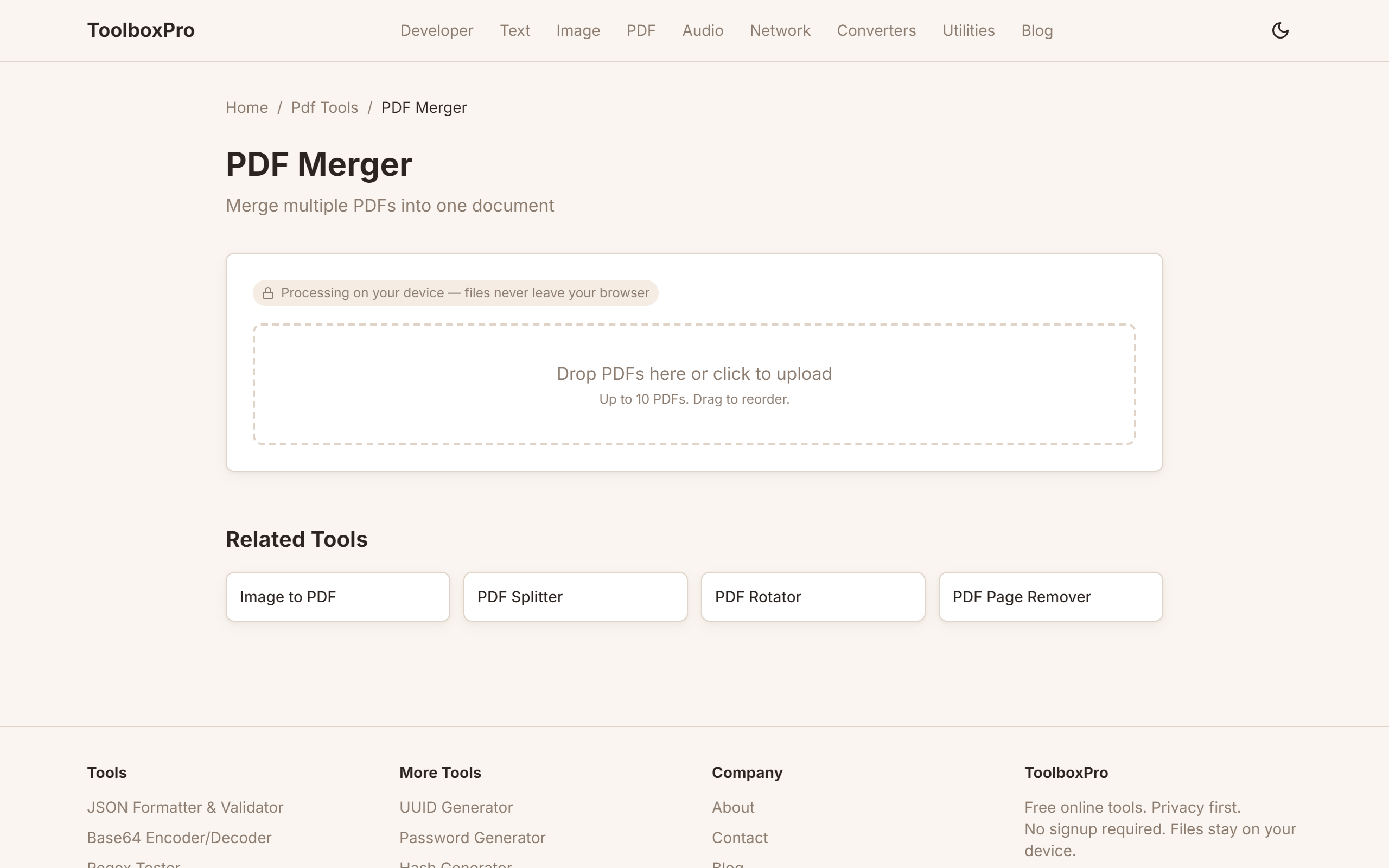
The ToolboxPro PDF Merger processes all files client-side using pdf-lib. Your documents stay on your device from start to finish.
Speed and Reliability: The Performance Argument
Beyond privacy, client-side processing offers significant performance advantages that directly impact user experience.
Upload Time Is the Bottleneck
Server-side tools require uploading your entire file before processing begins. For a 50MB PDF, this means:
Client-side tools skip the upload entirely. The file is already in your browser — processing begins immediately. For a 50MB PDF merge, the difference between 8 seconds (client-side) and 16 seconds (server-side on broadband) compounds dramatically with larger files.
No Single Point of Failure
Server-based tools depend on their infrastructure. If the server is down, overloaded, or experiencing a DDoS attack, you simply cannot use the tool. This has happened to major PDF services — SmallPDF, ILovePDF, and PDF Candy have all experienced outages that left users stranded.
Client-side tools have no server dependency. They work as long as your browser works — which is always.
Batch Processing at Scale
When you need to merge 20 PDFs or compress 50 images, server-side tools often impose rate limits, queue times, or file count restrictions. The ToolboxPro PDF Merger and Image Compressor process unlimited files with no queuing, because your browser does the work.
The Technology Behind Client-Side PDF Processing
Understanding the technology helps you evaluate claims and limitations.
pdf-lib: The Engine Behind Browser PDFs
pdf-lib is an open-source JavaScript library that can create, modify, and serialize PDF documents entirely in the browser. It's the most popular client-side PDF library with over 10,000 GitHub stars.
Key capabilities:
Key limitations:
Browser Memory Limits
Modern browsers can allocate several gigabytes of memory to a single tab. Chrome typically allows 4GB+ per tab on 64-bit systems. This means:
For the vast majority of real-world PDF tasks, browser memory is more than sufficient.
WebAssembly Acceleration
Some client-side tools use WebAssembly (WASM) to run native-speed code in the browser. WASM can be 2–10x faster than equivalent JavaScript for CPU-intensive operations like PDF parsing and image compression. The ToolboxPro Image Compressor leverages this for fast, high-quality compression.
When You Actually Need Server-Side Processing
Client-side tools aren't always the right choice. Here are legitimate scenarios where server-side processing wins:
Optical Character Recognition (OCR)
Scanned PDFs contain images of text, not actual text. Extracting text from these images requires machine learning models that are too large and compute-intensive for browser execution. If you need to make a scanned PDF searchable, a server-side OCR tool is the right choice.
Digital Signatures and Certificates
Verifying and creating digital signatures requires access to certificate authorities and trust chains. This is inherently a server-side operation. However, note that most "e-signature" features in PDF tools (like drawing a signature with your mouse) are simple image overlays that can be done client-side.
Encrypted PDFs
If you receive a password-protected PDF and need to modify it, you'll need a tool that can decrypt it first. pdf-lib cannot handle encrypted PDFs, so server-side tools like ILovePDF are necessary for this specific use case.
PDF to Word Conversion
Converting a complex PDF (with tables, columns, images, and formatting) back into an editable Word document requires sophisticated layout analysis that exceeds current browser capabilities. Server-side AI-powered tools handle this much better.
Related Tools
Try it yourself with our free online tool:
Try Online PDF Tools: Client-Side vs Server-Side Processing Compared (2026) →