Merge PDF Files Free — No Limits, No Signup
Combine multiple PDFs into one document instantly. Free, unlimited, and private — no watermarks, no daily limits.
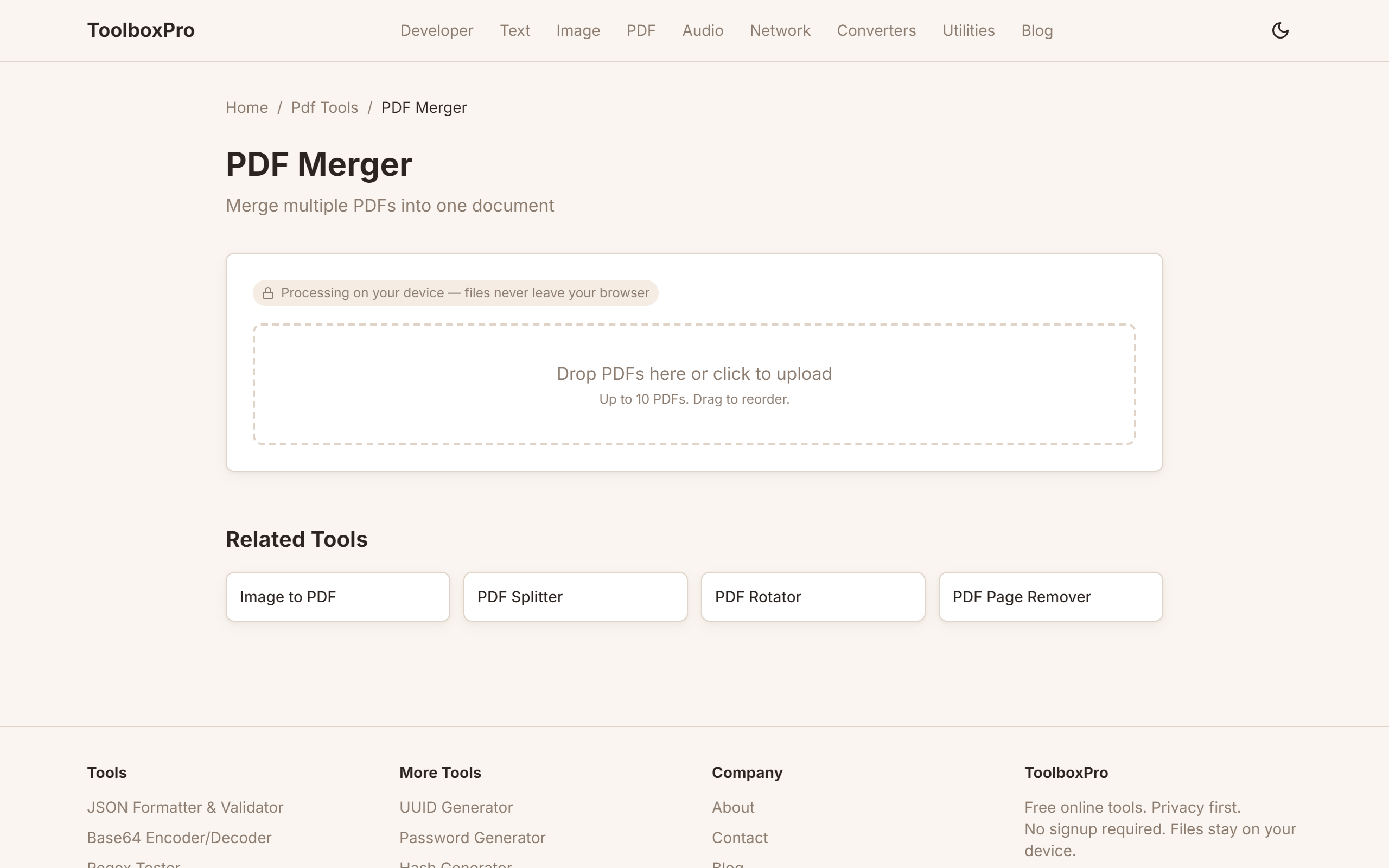
What Is PDF Merging and How It Simplifies Document Management
PDF merging is the process of combining two or more PDF files into a single document. Instead of juggling multiple files — invoices, contracts, reports, scanned forms — you consolidate them into one clean, paginated PDF. This simple operation is one of the most requested document workflows in both personal and professional settings.
Merging PDFs preserves the original content, formatting, fonts, and layout of each source file. The combined document behaves like a single PDF: you can search across all pages, print the entire collection at once, add a unified table of contents, and share one file instead of a zip folder full of loose documents.
Common Use Cases for Merging PDFs
Contract Bundling — A real estate transaction might involve a purchase agreement, disclosure forms, addenda, and signature pages. Merging them into one document ensures nothing is lost and the entire package can be reviewed in sequence.
Invoice Consolidation — Freelancers and small businesses merge monthly invoices into a single statement for clients. This simplifies accounting and gives the client a clean archive of all charges.
Report Compilation — Research reports, quarterly business reviews, and project status updates often consist of multiple sections authored by different people. Merging individual PDF submissions into one final report streamlines distribution.
Scanned Document Aggregation — Scanning multiple pages through a feeder creates separate files. Merging them restores the intended multi-page document. A reliable merge PDF tool handles this in seconds.
How PDF Merging Actually Works
PDF merging isn't simply appending bytes. Each PDF has internal cross-reference tables, page object dictionaries, and resource mappings (fonts, images, annotations). A proper merge tool parses each source PDF, extracts the page objects, rebuilds the page tree, and generates a new cross-reference table for the combined output.
Page Ordering, Rotation, and Organization
Most merge tools let you reorder pages before finalizing. This is essential when:
Rotation is another common need — a scanned page might come in sideways, or you might need to combine portrait and landscape documents. A good merge tool handles mixed orientations gracefully.
Many tools also support page extraction and split functionality alongside merging. If you need to remove specific pages before combining, look for a tool that offers PDF splitting as an adjacent feature.
Comparing Free vs. Premium PDF Merger Tools
| Feature | Free Online | Free Desktop | Premium |
|---|---|---|---|
| File size limit | 10–50 MB | None | None |
| Watermark | Sometimes | No | No |
| Privacy concerns | Yes (server upload) | No | No |
| Batch processing | No | Limited | Yes |
| Page-range selection | Often no | Yes | Yes |
Free online merge tools are convenient but upload files to third-party servers — avoid them for sensitive documents like NDAs and legal contracts. Free desktop tools (PDFsam Basic, qpdf) are more private but may lack intuitive interfaces. For regular business use, a full-featured PDF editor with merging, annotation, and compression is recommended.
Batch Merging and Automation
Power users often need to merge dozens or hundreds of PDFs at once. Batch merging supports wildcard patterns, folder-based processing, and command-line interfaces. This is invaluable for:
Automation scripts (using Python's PyMuPDF, qpdf CLI, or Ghostscript) can merge all PDFs in a folder daily and rename the output by date stamp or project number.
FAQ
What file formats can be merged into a PDF? Proper PDF merging combines PDF with PDF. If you need to include Word docs, spreadsheets, or images, convert them to PDF first, then merge. Some advanced tools handle mixed inputs automatically.
Does merging PDFs reduce file quality? No. A proper merge preserves the original resolution, fonts, and vectors of each source file. The output size might be slightly smaller due to deduplication of embedded fonts and resources.
Can I merge specific pages instead of entire documents? Yes. Most merge tools let you select page ranges from each input file (e.g., pages 1–3 from file A, pages 5–10 from file B). This is called "page-range merging."
Is merging PDFs safe for confidential documents? Online merge tools upload your files to a remote server — avoid them for confidential data. Use offline desktop software or a command-line tool for sensitive documents.
What happens to bookmarks and hyperlinks after merging? In properly implemented tools, bookmarks from each source file are preserved and nested under a section heading. Hyperlinks are recalculated to point to the correct pages in the merged document.
How many PDFs can I merge at once? Online tools typically limit you to 2–10 files. Desktop tools and CLI utilities can merge hundreds or thousands, limited only by system memory and disk space.
What is the maximum file size for a merged PDF? Online tools cap at 50–200 MB. Desktop tools support larger files limited only by system resources. PDF/A standards recommend staying under 100 MB for portability.
Advanced Page Ordering Techniques
Getting page order right before merging saves a post-merge reorganization step:
Naming Conventions for Predictable Order
Name your source files so they sort alphabetically in the correct sequence:
01_cover_page.pdf
02_table_of_contents.pdf
03_introduction.pdf
04_chapter_1.pdf
05_chapter_2.pdf
06_appendix.pdf
Most merge tools process files in the order you add them. Zero-padded numbers (01_, 02_) ensure proper sorting — without padding, 10_ sorts before 2_ alphabetically.
Interleaving Pages from Multiple Sources
Sometimes you need to alternate pages from different documents (e.g., inserting a translation page after each original page). While most visual merge tools don't support automatic interleaving, command-line tools do:
# Interleave pages of two PDFs using qpdf
qpdf --empty --pages doc1.pdf 1-z,doc2.pdf 1-z -- output.pdf
Reordering After Merging
If the merged result has pages in the wrong order, you don't need to re-merge from scratch. Use a PDF page reordering tool or qpdf:
# Move page 5 to position 2
qpdf --empty --pages merged.pdf 1,5,2-4,6-z -- reordered.pdf
File Size Optimization
Merged PDFs often end up larger than necessary. Here's how to keep them lean:
Before Merging: Source File Optimization
1. Compress individual PDFs first — Run each source file through a PDF compressor before merging. Compressing the merged result is less effective because the tool must re-process the entire large file.
2. Remove unnecessary pages — Strip blank pages, cover sheets, or duplicate sections from each source PDF before merging using a split/extract tool.
3. Subset-embed fonts — If creating PDFs from Word or other editors, enable "subset fonts" so only the characters actually used are embedded, not the entire font file.
After Merging: Compression Strategies
| Compression Level | Size Reduction | Quality Impact | Best For |
|---|---|---|---|
| **Lossless** | 10–30% | None | Text-heavy documents, legal files |
| **Medium (150 DPI)** | 40–60% | Minimal (screen viewing) | Email attachments, web sharing |
| **High (72 DPI)** | 60–80% | Noticeable (fine print blurs) | Archival, quick reference |
| **JPEG image recompression** | 30–50% | Varies by quality setting | Image-heavy PDFs, scanned docs |
Tools for Post-Merge Compression
# Compress to 150 DPI with JPEG quality 80
gs -sDEVICE=pdfwrite -dCompatibilityLevel=1.4 \
   -dPDFSETTINGS=/ebook -dJPEGQ=80 \
   -dDownsampleColorImages=true -dColorImageResolution=150 \
-o compressed.pdf merged.pdfCommon Mistakes to Avoid
1. Merging without checking page orientations — If one source PDF is landscape and another is portrait, the merged result has jarring orientation flips. Rotate mismatched pages to a consistent orientation before merging using a rotate tool.
2. Ignoring duplicate cover pages — When merging reports from different authors, each may include their own cover page or table of contents. Review thumbnails before merging and remove duplicates.
3. Merging then compressing (instead of compressing then merging) — Compressing source files individually is faster and more effective. A 50MB file compresses better as five pre-compressed 2MB files than as one merged 10MB file.
4. Forgetting to verify bookmark navigation — After merging, open the PDF and test internal links and bookmarks. Some merge tools break cross-document hyperlinks or nest bookmarks incorrectly.
Real-World Examples
Assembling a Client Proposal
A consulting firm merges a cover letter (2 pages), company profile (5 pages), project scope (8 pages), pricing table (2 pages), and signed NDA (3 pages) into a single 20-page proposal. They name files with zero-padded prefixes, set all pages to Portrait A4, and compress the result from 18MB to 4MB before emailing — well under most email attachment limits.
Combining Scanned Medical Records
A patient merges 12 separate scan PDFs (blood test, X-ray report, consultation notes, etc.) into one chronological record for a new doctor. They reorder pages by date, remove duplicate cover sheets from the scanning software, and compress at 150 DPI — clear enough for the doctor to read while keeping the file under 10MB for the patient portal upload limit.
Comparison: PDF Merging Tools
| Tool | Privacy | File Limit | Page Reordering | Compression | Cost |
|---|---|---|---|---|---|
| **ToolboxPro Merge** | Full (browser-only) | No hard limit | Yes (drag & drop) | No | Free |
| **ILovePDF** | Server upload | 100 MB | Yes | Yes | Freemium |
| **PDFsam Basic** | Full (desktop) | None | Yes | No | Free |
| **Adobe Acrobat Pro** | Full (desktop) | None | Advanced | Yes | Paid |
| **qpdf (CLI)** | Full | None | Scriptable | No | Free |
| **Ghostscript** | Full | None | Limited | Yes | Free |
Recommendation: For everyday merging with privacy and visual reordering, use a browser-based tool. For batch automation or scripting, qpdf is unmatched. For maximum quality control (compression, OCR, advanced page manipulation), Adobe Acrobat Pro or PDFsam Enhanced are worth the investment for frequent users.
Try it yourself with our free online tool:
Try Merge PDF Files Free →