JWT Decoder: How to Decode and Inspect JSON Web Tokens
Learn to decode JSON Web Tokens, inspect header and payload claims, verify signatures, and debug authentication issues with our free JWT decoder.
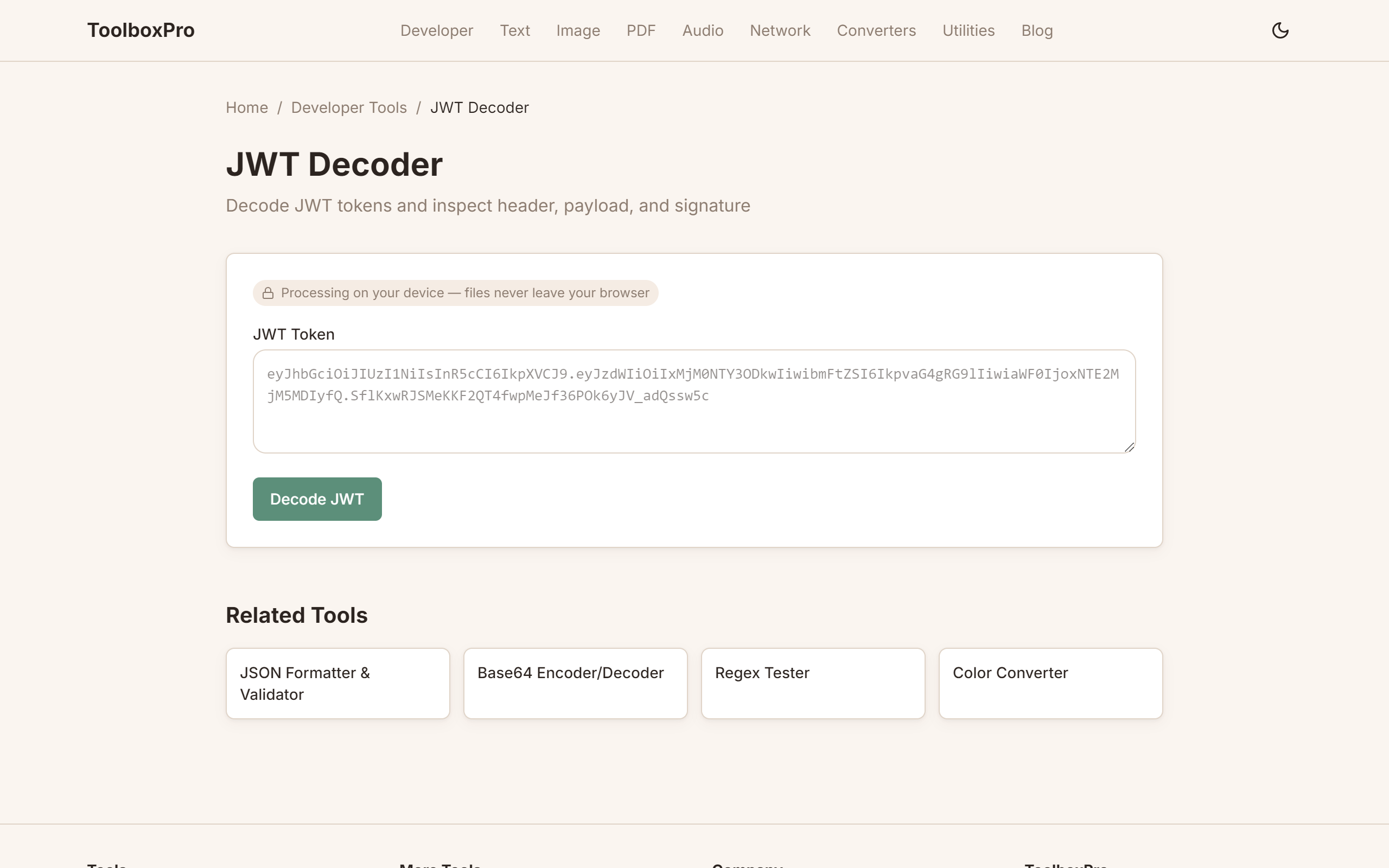
What is a JWT?
A JSON Web Token (JWT) is a compact, URL-safe token format used for authentication and information exchange. It looks like this:
\\\`
eyJhbGciOiJIUzI1NiIsInR5cCI6IkpXVCJ9.
eyJzdWIiOiIxMjM0NTY3ODkwIiwibmFtZSI6IkpvaG4gRG9lIiwiaWF0IjoxNTE2MjM5MDIyfQ.
SflKxwRJSMeKKF2QT4fwpMeJf36POk6yJV_adQssw5c
\\\`
Three parts, separated by dots. Each part is Base64URL-encoded JSON.
The Three Parts of a JWT
1. Header
Contains the algorithm and token type:
\\\`json
{
"alg": "HS256",
"typ": "JWT"
}
\\\`
2. Payload
Contains claims — statements about the user and additional metadata:
\\\`json
{
"sub": "1234567890",
"name": "John Doe",
"iat": 1516239022,
"exp": 1516242622,
"iss": "https://auth.example.com",
"aud": "https://api.example.com"
}
\\\`
3. Signature
A cryptographic hash that verifies the token hasn't been tampered with. Created by combining the header and payload with a secret key:
\\\`
HMACSHA256(
base64UrlEncode(header) + "." + base64UrlEncode(payload),
secret
)
\\\`
Common JWT Claims
| Claim | Full Name | Purpose | Example |
|---|---|---|---|
| \`sub\` | Subject | User identifier | \`"user_123"\` |
| \`iss\` | Issuer | Who issued the token | \`"https://auth.example.com"\` |
| \`aud\` | Audience | Intended recipient | \`"https://api.example.com"\` |
| \`exp\` | Expiration | When it expires (Unix timestamp) | \`1716451200\` |
| \`nbf\` | Not Before | When it becomes valid | \`1716364800\` |
| \`iat\` | Issued At | When it was issued | \`1716278400\` |
| \`jti\` | JWT ID | Unique identifier (prevents replay) | \`"abc123"\` |
How to Decode a JWT
Using ToolboxPro
Visit our JWT Decoder and:
1. Paste your JWT into the input field
2. Instantly see the decoded header and payload as formatted JSON
3. Check expiration — the tool shows if the token is still valid
4. Verify the signature — enter your secret to confirm authenticity
Manual Decoding
JWTs are NOT encrypted — they're encoded. Anyone can read them:
\\\`javascript
function decodeJWT(token) {
const parts = token.split('.');
const header = JSON.parse(atob(parts[0]));
const payload = JSON.parse(atob(parts[1]));
return { header, payload };
}
const token = "eyJhbGciOiJIUzI1NiIsInR5cCI6IkpXVCJ9.eyJzdWIiOiIxMjM0NTY3ODkwIn0.";
const decoded = decodeJWT(token);
\\\`
Common JWT Vulnerabilities
1. "none" Algorithm Attack
Some JWT libraries accept tokens with "alg": "none", which tells the server to skip signature verification entirely. An attacker who knows this can create forged tokens with any payload they want — admin privileges, different user IDs, extended expiration — and the vulnerable server will accept them without question. This attack was particularly devastating against older versions of libraries in Node.js, Python, and Java ecosystems.
The fix is straightforward: always explicitly whitelist allowed algorithms (e.g., ["HS256", "RS256"]) when verifying tokens, and never fall back to "none".
2. Algorithm Confusion (RS256 → HS256)
In asymmetric setups, the server holds a public key for verifying RS256 signatures. If the library doesn't enforce the expected algorithm, an attacker can sign a token using HS256 with the public key as the HMAC secret. Since the server already trusts that key material, it may accept the forged signature.
Prevention: Pin the algorithm server-side. Never let the token's own header dictate which algorithm you use to verify it.
3. Weak Signing Keys
Using a short or guessable HMAC secret ("secret", "password", your app name) makes offline brute-force attacks trivial. Tools like jwt_tool or hashcat can crack weak HS256 keys in seconds. Once the key is known, the attacker can mint unlimited valid tokens.
Prevention: Use a random secret of at least 256 bits (32+ characters). For production systems with many services, prefer asymmetric algorithms (RS256, ES256) so each service only holds the public key.
4. Overly Long Expiration or No Expiration
Tokens without an exp claim — or with one set years in the future — effectively never expire. If such a token is stolen, the attacker has permanent access until the signing key is rotated.
Prevention: Keep access tokens short-lived (5–60 minutes). Issue a refresh token (longer-lived, stored more securely) to obtain new access tokens without re-authenticating the user.
5. Storing Tokens Insecurely
Storing JWTs in localStorage or sessionStorage exposes them to any JavaScript running on the page — including injected XSS payloads. This is one of the most common real-world token theft vectors.
Prevention: For browser apps, store tokens in HttpOnly, Secure, SameSite cookies. For mobile apps, use the platform's secure storage (Keychain on iOS, Keystore on Android).
Best Practices for JWT Security
1. Always verify the signature — and specify the allowed algorithms explicitly. Never trust the token header's alg claim.
2. Use short-lived access tokens — 5 to 60 minutes. Pair with a refresh token for seamless session renewal.
3. Validate all relevant claims — check exp, nbf, iss, and aud on every request, not just at login.
4. Keep secrets strong and rotated — 256-bit minimum for HMAC. Rotate keys periodically and support key IDs (kid) for seamless rotation.
5. Prefer asymmetric algorithms in production — RS256 or ES256 let each microservice verify tokens with the public key without ever seeing the private key.
6. Don't put sensitive data in the payload — JWTs are encoded, not encrypted. Anyone who intercepts the token can read its contents. Use encrypted tokens (JWE) if confidentiality is required.
7. Implement token revocation — Since JWTs are stateless, you can't revoke a single token without a blocklist. For high-security apps, maintain a short-TTL token blocklist in Redis or similar.
When to Use JWT vs Session Cookies
JWTs and server-side sessions solve the same problem — identifying an authenticated user — but they differ in important ways.
Use JWT when:
Use session cookies when:
Many teams use a hybrid: JWTs for API authentication and session cookies for the web UI. The right choice depends on your architecture, threat model, and team expertise.
Conclusion
Understanding JWTs — how they're structured, how to decode them, and where they can fail — is essential for modern web developers. A JWT decoder lets you quickly inspect tokens during development, verify claims, and catch misconfigurations before they reach production.
The key takeaways: JWTs are encoded, not encrypted, so never put secrets in the payload. Always verify signatures with a pinned algorithm list. Keep tokens short-lived, store them securely, and validate claims on every request. Follow these practices and JWTs remain one of the most efficient ways to handle authentication in distributed systems.
Ready to inspect a token? Try our JWT Decoder — it runs entirely in your browser, so your tokens never leave your device.
Try it yourself with our free online tool:
Try JWT Decoder: How to Decode and Inspect JSON Web Tokens →