Image to PDF Converter: How to Turn JPG/PNG into PDF Documents
Convert images to PDF documents in seconds. Free, private, and works in your browser — no uploads needed.
Why Convert Images to PDF?
Sending a dozen photos as separate JPG files is messy. A single PDF is clean, professional, and easy to share. Whether you're:
Turning images into a PDF keeps everything in one file, maintains page order, and reduces the chance of files getting lost.
How Image to PDF Conversion Works
Step 1: Prepare Your Images
You can convert almost any common image format:
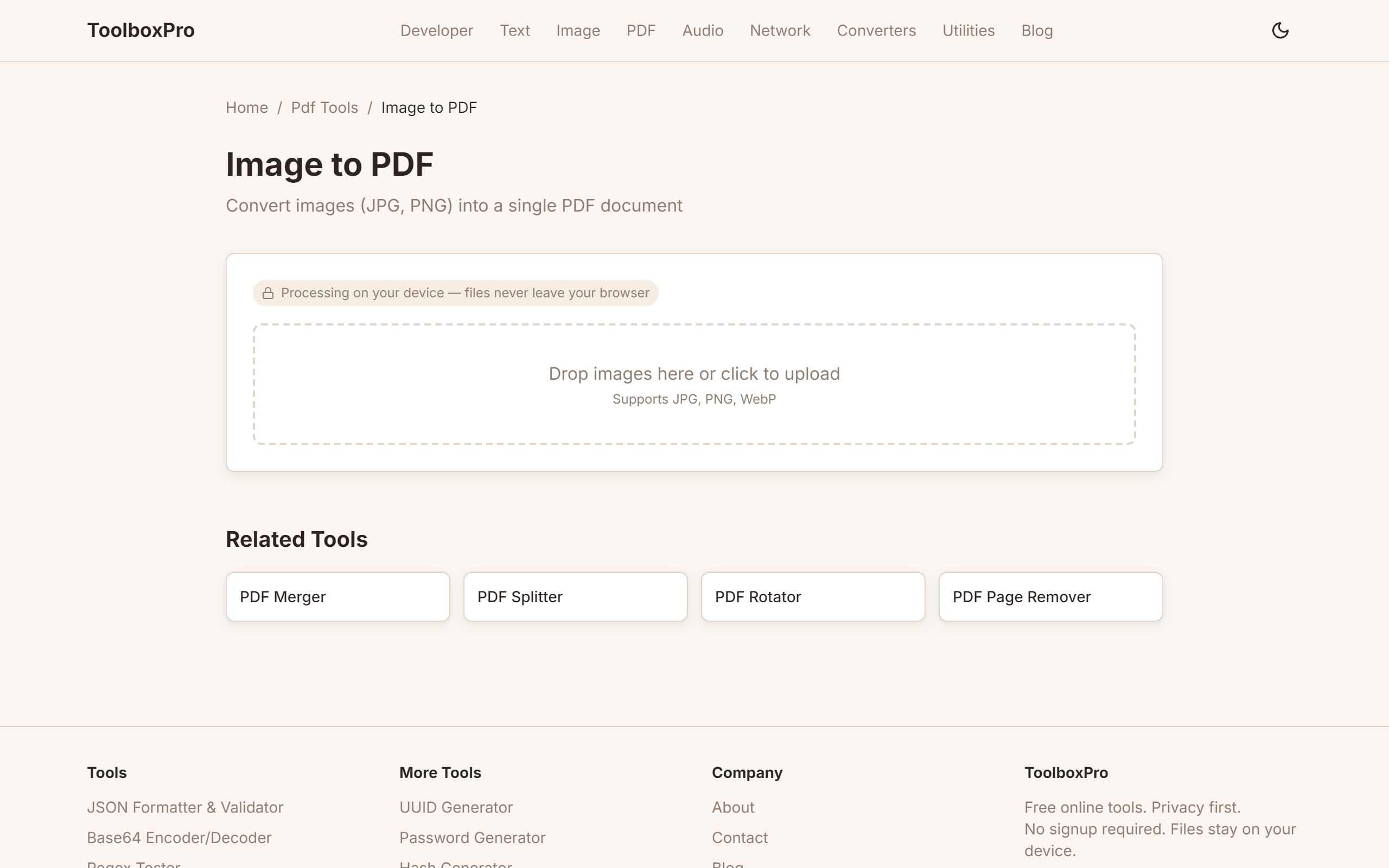
Step 2: Upload to ToolboxPro
Visit our Image to PDF Converter. You can:
There's no file size limit for individual images, though very large files (100MB+) may take longer to process depending on your browser.
Step 3: Arrange and Convert
Once uploaded, you'll see thumbnails of every image:
When you're satisfied, click Convert to PDF. The tool processes everything in your browser — no data is sent to any server.
Step 4: Download
Your PDF downloads automatically. It will have one page per image, in the order you specified. Each image is embedded at full resolution.
Advanced Options
Page Size
Choose the output page size:
| Option | Description |
|---|---|
| Auto (Fit) | Each page matches the image aspect ratio |
| A4 | Standard document size (210×297mm) |
| Letter | US standard (8.5×11 inches) |
| Custom | Set your own dimensions |
Orientation
Image Quality
Control the JPEG compression level for images embedded in the PDF:
Tips for Best Results
Scan Documents Properly
When scanning documents with your phone:
1. Place the document on a dark, flat surface
2. Ensure even lighting — avoid shadows
3. Hold the camera parallel to the document
4. Use a scanning app that crops automatically
5. Export as JPG or PNG before converting
Optimize Image Size
Large camera photos (4000×3000px) create huge PDFs. Consider:
Handle Mixed Content
You can mix different image types in one PDF:
Privacy and Security
Your images never leave your device. The conversion uses:
This means:
Common Use Cases
Business
Education
Personal
FAQ
Can I convert HEIC images (iPhone photos)? HEIC is not natively supported in all browsers. Convert HEIC to JPG first, then use our tool.
What happens to transparency in PNG files? PNG transparency is replaced with a white background in the PDF. For images that need transparency, consider keeping them as PNG.
Is there a limit on how many images I can convert? No hard limit, but performance depends on your browser's memory. For 50+ high-resolution images, consider batch processing in smaller groups.
Can I add text or annotations? This tool converts images to PDF without editing. For annotations, edit the images first, then convert.
Does the PDF retain EXIF data? EXIF data from images is not preserved in the PDF output. The visual content is embedded at full resolution.
Advanced Tips for Page Layout Control
1. Match page size to image aspect ratio — For a photo collage where each image has a different shape, use the Auto (Fit) page size. This prevents awkward white borders. For documents intended for printing, stick to A4 or Letter so the output feeds standard printers without scaling issues.
2. Add consistent margins for print — When creating PDFs for physical printing, leave a 10–15mm margin on all sides. Most browsers' PDF rendering doesn't add margins automatically, so images placed edge-to-edge may get clipped by the printer's hardware margins. If your tool doesn't support margins, place images on a slightly smaller canvas within each page.
3. Control DPI for print quality — For print-ready PDFs, ensure source images are at least 300 DPI at the intended print size. A 4×6 inch photo needs a source image of at least 1200×1800 pixels. Screen-only PDFs (for on-screen viewing) are fine at 72–150 DPI.
4. Use consistent orientation across mixed content — When combining portrait documents and landscape images, pick a dominant orientation and rotate the minority. A PDF that flips between portrait and landscape on every page is disorienting for readers and print drivers alike.
Batch Conversion Techniques
Converting large numbers of images efficiently requires a structured approach:
# Batch resize with ImageMagick before conversion
mogrify -resize 2000x2000> -quality 85 *.jpg
# Now upload the resized images to the converter
Quality Optimization
Balancing file size and visual quality is the key challenge in image-to-PDF conversion:
| Image Type | Recommended Quality | Format | Rationale |
|---|---|---|---|
| Text documents (scanned) | 90–100% | PNG or JPG | Text needs sharpness; compression artifacts make it unreadable |
| Photos for screen | 70–80% | JPG | Good balance; artifacts invisible at normal viewing distance |
| Photos for print | 90–100% | JPG or PNG | Print reveals compression artifacts |
| Screenshots with text | 100% | PNG | PNG preserves pixel-perfect edges; JPG blurs text |
| Line art / diagrams | 100% | PNG | JPG creates halos around sharp lines |
Common Mistakes to Avoid
1. Using JPG for text-heavy screenshots — JPG compression introduces artifacts around text edges, making it blurry. Always use PNG for screenshots containing text, code, or UI elements.
2. Ignoring image order before converting — Once the PDF is generated, reordering pages requires a separate tool. Take 30 seconds to drag thumbnails into the correct sequence before clicking "Convert."
3. Not checking the output page size — An A4 page with a Letter-sized expectation (or vice versa) causes content to be cut off or surrounded by excessive white space when printed. Verify the page size setting matches your region's standard.
Real-World Examples
Expense Report with Scanned Receipts
A freelancer converts 15 receipt photos into a single PDF for a monthly expense report. They set the page size to A4 Portrait, arrange receipts chronologically, and use 80% JPEG quality — small enough to email, clear enough for the client's accounting team to read every line item.
Real Estate Listing Packet
An agent combines 20 property photos, a floor plan PNG, and a scanned disclosure form into one PDF. They use Auto (Fit) so each image fills its page without distortion, resulting in a professional-looking listing packet they can email to prospective buyers.
Comparison: Image-to-PDF Approaches
| Method | Privacy | Speed | Quality Control | Batch Support |
|---|---|---|---|---|
| **Browser-based (ToolboxPro)** | Full (no upload) | Fast | High (page size, quality, order) | Yes |
| **Desktop software (Adobe, Foxit)** | Full | Fast | Very High | Yes |
| **Mobile scanning apps** | Partial (cloud sync) | Medium | Medium (auto-crop, filters) | Limited |
| **Command-line (ImageMagick + img2pdf)** | Full | Fast for scripts | Low (manual config) | Excellent |
Recommendation: For quick, private conversions with full layout control, a browser-based tool is ideal. For automated, recurring batch jobs (e.g., daily invoice archiving), set up a command-line pipeline with img2pdf and schedule it via cron or Task Scheduler.
Try it yourself with our free online tool:
Try Image to PDF Converter: How to Turn JPG/PNG into PDF Documents →