CSS Minifier Guide: How to Minify CSS for Faster Websites
Reduce CSS file sizes by 50-70% with minification. Learn what minification does, how it differs from compression, and best practices for production CSS.
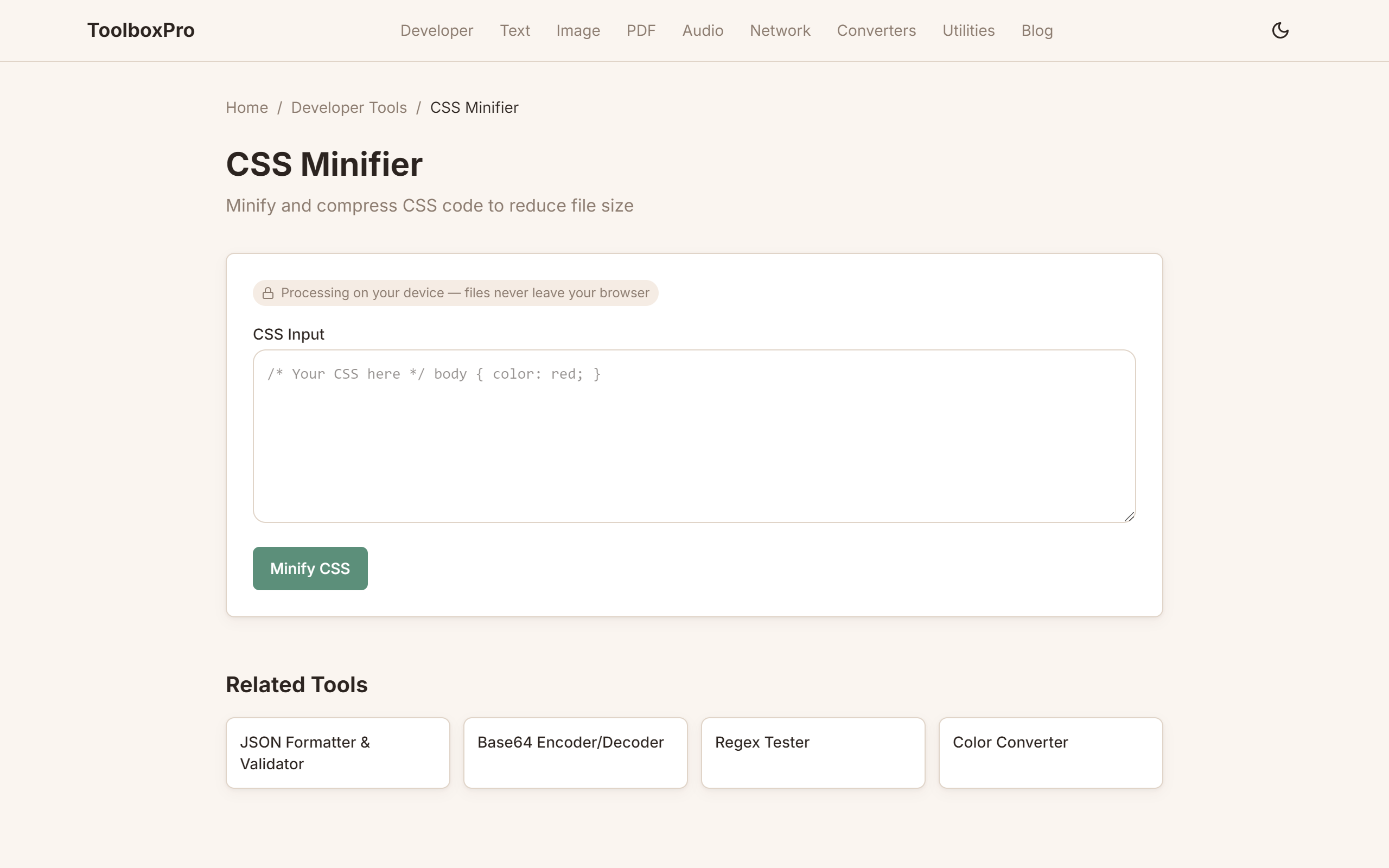
What is CSS Minification?
CSS minification removes every character that isn't needed for execution — whitespace, comments, semicolons, and unnecessary characters — without changing how the CSS works.
Before (508 bytes)
\\\`css
/* Main stylesheet */
body {
margin: 0;
padding: 0;
font-family: "Inter", sans-serif;
background-color: #ffffff;
color: #333333;
}
.container {
max-width: 1200px;
margin: 0 auto;
padding: 2rem 1rem;
}
/* Card component */
.card {
border: 1px solid #e0e0e0;
border-radius: 8px;
padding: 1.5rem;
box-shadow: 0 2px 4px rgba(0, 0, 0, 0.1);
}
\\\`
After (260 bytes — 49% smaller)
\\\`css
body{margin:0;padding:0;font-family:Inter,sans-serif;background-color:#fff;color:#333}.container{max-width:1200px;margin:0 auto;padding:2rem 1rem}.card{border:1px solid #e0e0e0;border-radius:8px;padding:1.5rem;box-shadow:0 2px 4px rgba(0,0,0,.1)}
\\\`
Why Minify CSS?
1. Faster Page Loads
CSS is a render-blocking resource — the browser must download and parse all CSS before showing anything. Smaller CSS = faster First Contentful Paint (FCP).
2. Lower Bandwidth Costs
A 100KB CSS file minifies to ~35KB. For a site with 100K monthly visitors, that's 6.5GB less bandwidth per month.
3. Better Core Web Vitals
Minification directly improves:
What Minification Removes
| Element | Removed? | Example |
|---|---|---|
| Whitespace | Yes | Spaces, tabs, newlines |
| Comments | Yes | \`/* comment */\` |
| Last semicolon | Yes | \`color: red;\` → \`color: red\` |
| Optional units | Yes | \`0px\` → \`0\` |
| Quotes where safe | Yes | \`font-family: "Inter"\` → \`font-family:Inter\` |
| Unnecessary decimals | Yes | \`0.5rem\` → \`.5rem\` |
| Hex shorthand | Yes | \`#ffffff\` → \`#fff\` |
Minification vs Compression
These are not the same thing:
| Minification | Compression (Gzip/Brotli) | |
|---|---|---|
| What it does | Removes unnecessary characters | Encodes data with algorithms |
| Lossy? | No — identical output | No — fully reversible |
| Typical reduction | 50-70% | 70-85% |
| Works on | Source code | Any file type |
| Can they combine? | Yes! | Yes! |
Best practice: Minify your CSS AND serve it with Brotli compression. You get both savings.
How to Minify CSS
Using ToolboxPro
Visit our CSS Minifier and:
1. Paste your CSS in the input area
2. Hit Minify — see the result instantly
3. Compare sizes — before and after displayed side by side
4. Copy or download the minified output
Using Build Tools
\\\`javascript
// Webpack with css-minimizer-webpack-plugin
const CssMinimizerPlugin = require('css-minimizer-webpack-plugin');
module.exports = {
optimization: {
minimizer: [new CssMinimizerPlugin()],
},
};
\\\`
\\\`javascript
// Vite — minifies CSS in production by default
// No config needed. Just run: vite build
\\\`
\\\`bash
# Using csso CLI
npx csso styles.css styles.min.css
# Using clean-css CLI
npx cleancss -o styles.min.css styles.css
\\\`
Advanced Techniques
1. Merge Duplicate Selectors
\\\`css
/* Before */
h1 { color: blue; }
h1 { font-size: 2rem; }
/* After */
h1 { color: blue; font-size: 2rem; }
\\\`
2. Remove Unused CSS
Tools like PurgeCSS analyze your HTML and remove selectors you never use. Combine with minification for maximum reduction.
3. Optimize Colors
\\\`css
/* Before */
color: #ffaa00; /* 7 chars */
background: black; /* 5 chars */
/* After */
color: #fa0; /* 4 chars */
background: #000; /* 4 chars */
\\\`
FAQ
Does minification change how my CSS works? Never. Minified CSS produces exactly the same visual result. It's 100% safe for production.
Should I minify during development? No — keep your source CSS well-commented and formatted. Only minify for production builds.
What about source maps? Use source maps in production so you can debug minified CSS. Most build tools generate them automatically.
Can I unminify CSS? Partially — you can add whitespace back, but comments and original structure are lost forever. Always keep your source files.
Is CSS minification the same as HTML/JS minification? Similar concept, but CSS has specific optimizations (color shortening, property merging) that HTML/JS minifiers don't do.
Gzip vs Minification: Why You Need Both
Many developers assume that enabling gzip on their server makes CSS minification unnecessary. This is a costly mistake — the two optimizations work at different layers and compound multiplicatively:
| Optimization Layer | What It Does | Typical Reduction | Applies To |
|---|---|---|---|
| **Minification** | Removes unnecessary source characters | 50-70% | CSS source files |
| **Gzip compression** | Encodes the transfer with DEFLATE | Additional 70-80% | Any text response |
| **Brotli compression** | Modern alternative to gzip | Additional 75-85% | Any text response |
| **Combined** | Minify THEN compress | 85-95% total | Best case |
The Math
A 100KB CSS file becomes ~40KB after minification. Gzip then compresses that 40KB to ~10KB on the wire. If you skip minification and only gzip, the original 100KB compresses to ~18KB — nearly double the transfer size. Brotli on the minified file gets it down to ~8KB.
\\\`nginx
# Enable Brotli in Nginx (better than gzip for text)
brotli on;
brotli_types text/css application/javascript text/html;
brotli_comp_level 6;
\\\`
\\\`apache
# Apache: enable both compression levels
AddOutputFilterByType DEFLATE text/css
\\\`
Checking Your Setup
Use BrowserLink's Brotli test or check response headers in DevTools:
\\\`
Content-Encoding: br ← Brotli (best)
Content-Encoding: gzip ← Gzip (good)
(no header) ← Uncompressed (fix this immediately)
\\\`
Automating CSS Minification in Build Pipelines
Manual minification doesn't scale. Here's how to integrate minification into common build setups:
Vite (Zero Config)
Vite minifies CSS automatically in production builds. No configuration needed:
\\\`bash
vite build # CSS is minified, tree-shaken, and hashed automatically
\\\`
Webpack (Explicit Config)
\\\`javascript
const CssMinimizerPlugin = require('css-minimizer-webpack-plugin');
const MiniCssExtractPlugin = require('mini-css-extract-plugin');
module.exports = {
module: {
rules: [{
test: /\\.css$/,
use: [MiniCssExtractPlugin.loader, 'css-loader'],
}],
},
optimization: {
minimizer: [new CssMinimizerPlugin()],
},
plugins: [new MiniCssExtractPlugin({ filename: '[name].[contenthash].css' })],
};
\\\`
PostCSS (Granular Control)
\\\`javascript
// postcss.config.js
module.exports = {
plugins: [
require('cssnano')({
preset: ['advanced', {
discardComments: { removeAll: true },
normalizeUrl: false,
}],
}),
],
};
\\\`
CI/CD Pipeline Check
Add a size budget to your CI pipeline so CSS bloat gets caught before deployment:
\\\`yaml
# GitHub Actions: fail if CSS exceeds 50KB
run: |
SIZE=$(wc -c < dist/assets/*.css | awk '{print $1}')
if [ "$SIZE" -gt 51200 ]; then
echo "CSS bundle is \${SIZE} bytes — exceeds 50KB limit"
exit 1
fi
\\\`
CSS Custom Properties (Variables) Optimization
CSS variables (\--custom-property\) behave differently from preprocessor variables (\$sass-var\) and need special minification consideration:
What Minifiers Cannot Optimize
\\\`css
/* These CANNOT be shortened by minifiers */
:root {
--brand-color: #3498db;
--spacing: 16px;
}
/* Minifiers leave custom properties intact because they're runtime-dynamic */
.button { background: var(--brand-color); padding: var(--spacing); }
\\\`
Minifiers must preserve custom properties because they can be changed at runtime via JavaScript:
\\\`javascript
// This works at runtime — minifiers can't predict it
document.documentElement.style.setProperty('--brand-color', '#e74c3c');
\\\`
When Custom Properties Hurt Performance
What You CAN Optimize
\\\`css
/* ❌ Before: redundant variable definitions */
.card { --padding: 16px; padding: var(--padding); }
.box { --padding: 16px; padding: var(--padding); }
.sidebar { --padding: 16px; padding: var(--padding); }
/* ✅ After: define once, reuse everywhere */
:root { --space-md: 16px; }
.card, .box, .sidebar { padding: var(--space-md); }
\\\`
Advanced Tips
Try it yourself with our free online tool:
Try CSS Minifier Guide: How to Minify CSS for Faster Websites →